



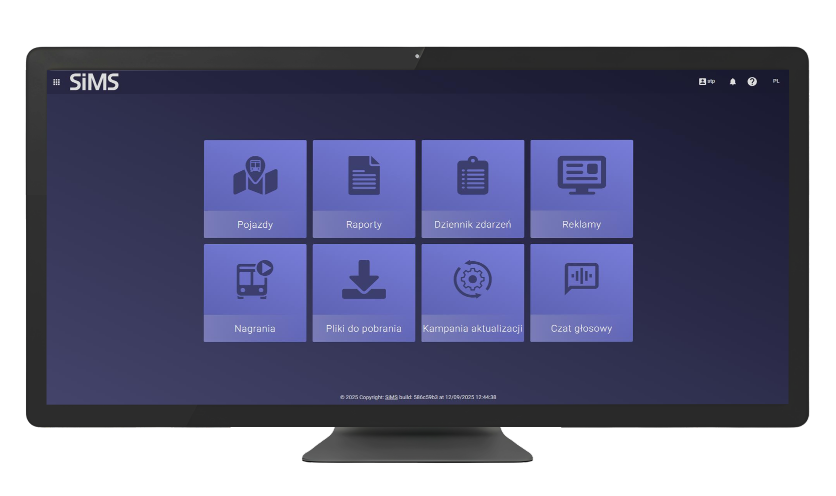
The Dispatch Application (STP3) is a comprehensive solution for managing transport operations. It is a tool for real-time monitoring and management of IT systems, as well as for generating reports. In response to our customers’ needs, we have developed a comprehensive solution for the transportation industry that streamlines and automates the work of dispatchers.
Full Fleet Control with the STP3 app. Our app offers an advanced online vehicle monitoring module that transforms the way dispatchers manage city traffic. It’s not just passive map observation, but a powerful diagnostic tool enabling operators to react immediately.
Integration with GPS systems gives dispatchers a live view of every vehicle. This allows for:
– Immediate Detection of Deviations: The system automatically flags any delays or early arrivals relative to the scheduled time.
– Traffic Management: Dispatchers can respond before passengers experience the effects of traffic congestion or breakdowns.
Dispatchers can dynamically adjust the so-called “green wave.” The app actively influences traffic flow through intelligent traffic priority management. By interacting with city infrastructure, late vehicles can be given priority at intersections, allowing them to “make up” lost time without risking safety. Efficiency That Generates Savings. Choosing our system benefits the entire urban ecosystem:
– Lower fuel and energy consumption thanks to smooth driving and optimal fleet utilization.
– Guaranteed punctuality and the assurance that public transport is a reliable alternative to cars.
– Reduced traffic congestion and lower emissions thanks to the elimination of unnecessary stops.
Advanced filtering features provide unlimited possibilities for the system operator, enabling precise and detailed data analysis. A simple interface allows for quick and efficient analysis of vehicle data. Users utilize the vehicle information management module and the map module. The system includes a set of filtering tools that enable detailed data searches and analysis. Frequently used filtering options can be saved as filter sets for instant access.
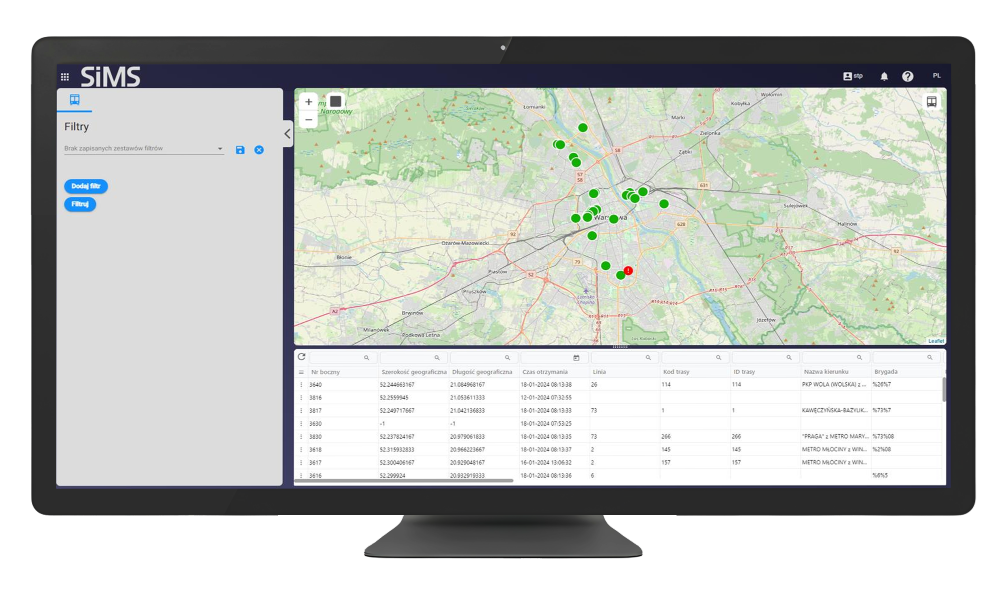
The ability to view detailed system operation and telemetry data online. By selecting the “Show vehicle device status” function, the user gains access to detailed information about individual components of the selected vehicle.
The ability to seamlessly transition from the online map to the vehicle’s position history. The main position history window is designed for viewing and analyzing historical vehicle data. Data generated using filters is presented in table and map format.
Expressly edit values. Respond to traffic congestion. Prioritize vehicles to optimize travel times. This tool imports route priorities from an external data source. The application retrieves current route priority data (e.g., service order, routes, synchronization parameters).
Stop Reports. Advanced report filtering offers unlimited possibilities for personalizing search results. Results can also be presented as charts, and data within the charts can be dynamically filtered. The application is designed to provide quick and easy access to all key reporting functions essential for fleet management and monitoring vehicle performance and utilization. The application allows for generating various types of reports:
The application allows you to generate various types of reports:

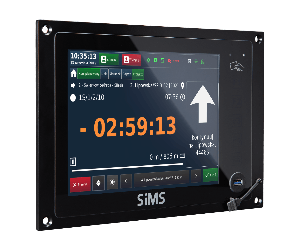
SIL 3 Line Information Controller
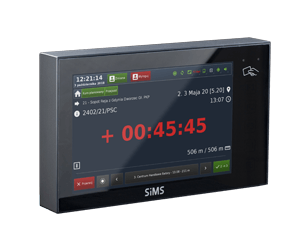
SIL 2 Linear Information Controller
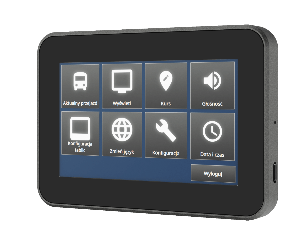
STR 4 Controller
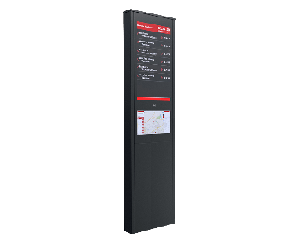
iSTOP Intelligent Bus Stop Post