



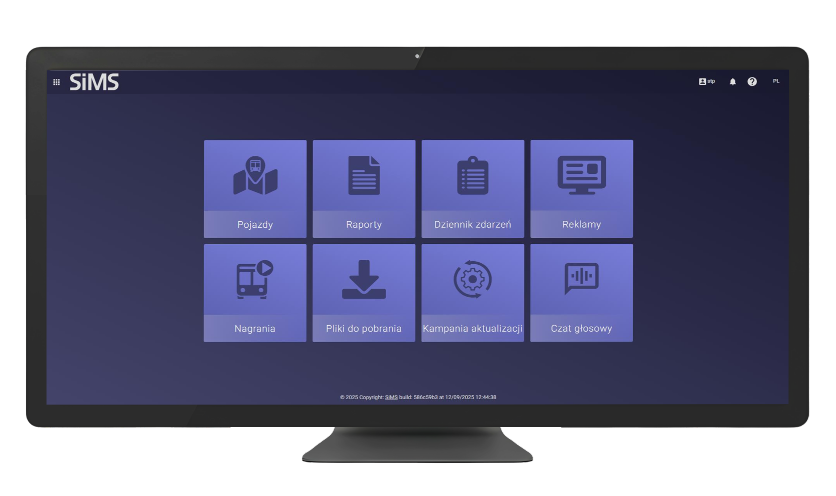
The SAKP system is more than just software – it guarantees punctuality, building passenger confidence in public transport. In an era of cost optimization and growing passenger demands, precise settlement of transport contracts is becoming a key challenge for cities and regions. Our Automatic Punctuality Control System is an advanced analytical tool that automates the supervision of service quality. It’s a digital auditor that eliminates human error and introduces full transparency in the client-carrier relationship.
SAKP is a powerful analytical tool that allows for:
– Immediate detection of deficiencies: The system identifies deviations from contractual assumptions in real time.
– Precise trend analysis: The ability to generate multi-dimensional reports on transport execution, allowing for optimization of the route network, improving punctuality, and the quality of transport services.
– Automation of financial processes: Reduction of the time required for monthly settlements with carriers, and automation of the process of detecting deficiencies and appeals.
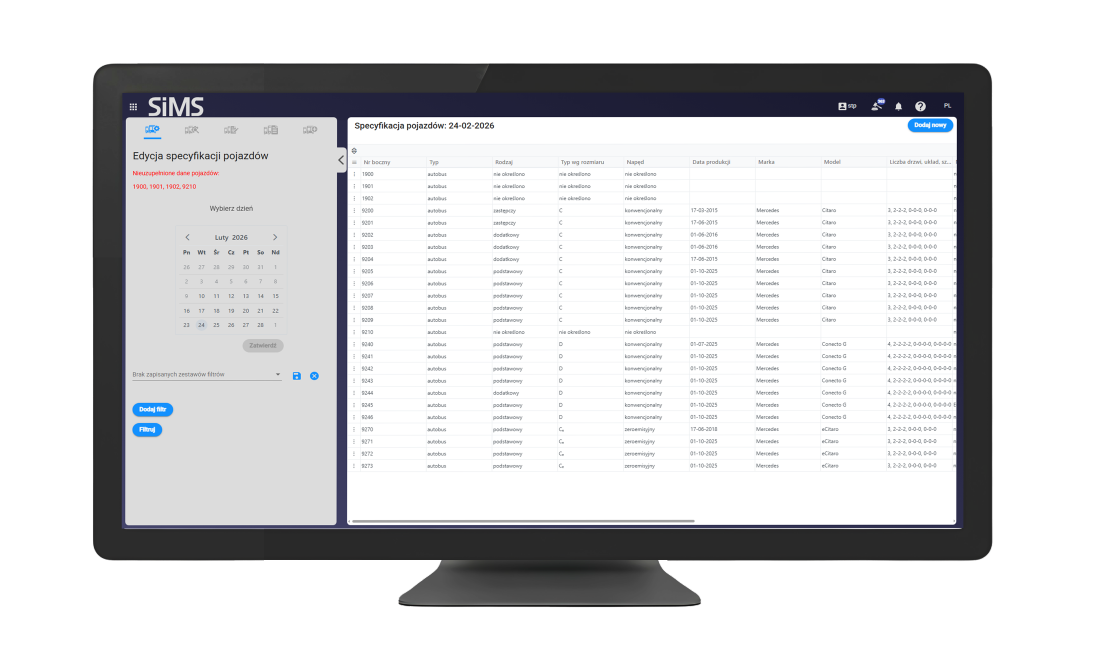
The fleet management section allows you to edit the vehicle list and the replacement notification register. Data entered in this area impacts the departure qualification process and may result in the system issuing deficiencies. Currently, the system verifies deficiencies for, among other things, incorrect fleet type – when a vehicle smaller than required was used for a task. A time limit for updating this data should be considered, as delays can have financial consequences or affect the evaluation of transport performance. The management module offers the following functions:
– Edit vehicle specifications – allows you to make changes to detailed vehicle specifications, such as type, make, model, drive type, etc.
– Review vehicle specifications – allows you to view all saved technical data for each vehicle in the fleet.
– Vehicle registration register – dedicated to assigning specific vehicles to designated transport tasks. – Implementation register – allows you to review the history of vehicle assignments within a selected time period.
– View requirements – allows you to view the requirements applicable for a given day.
This section is used to view, approve, or reject events related to vehicle departures. Users can analyze data on the punctuality of departures recorded by system devices.
The interface is divided into a filter panel (on the left) and a results list (on the right), generated based on selected parameters. The summary includes a set of departures to which the system may have assigned various types of violations (e.g., incorrect temperature, incorrect rolling stock, missing registration, missing a stop, etc.). Appeals against imposed penalties can also be added from this section.
This section allows you to review and manage explanations submitted by carriers in response to deficiencies attributed to specific departures. These deficiencies, automatically generated by the system or manually entered by the city hall, carry potential financial penalties. A single appeal constitutes a collective response from the carrier and can address multiple deficiencies from different departures. Within this section, you can approve or reject submitted explanations and add comments regarding their validity.
The Reports tool allows you to generate reports based on advanced data filtering. The reporting section offers a wide range of templates tailored to your current requirements.
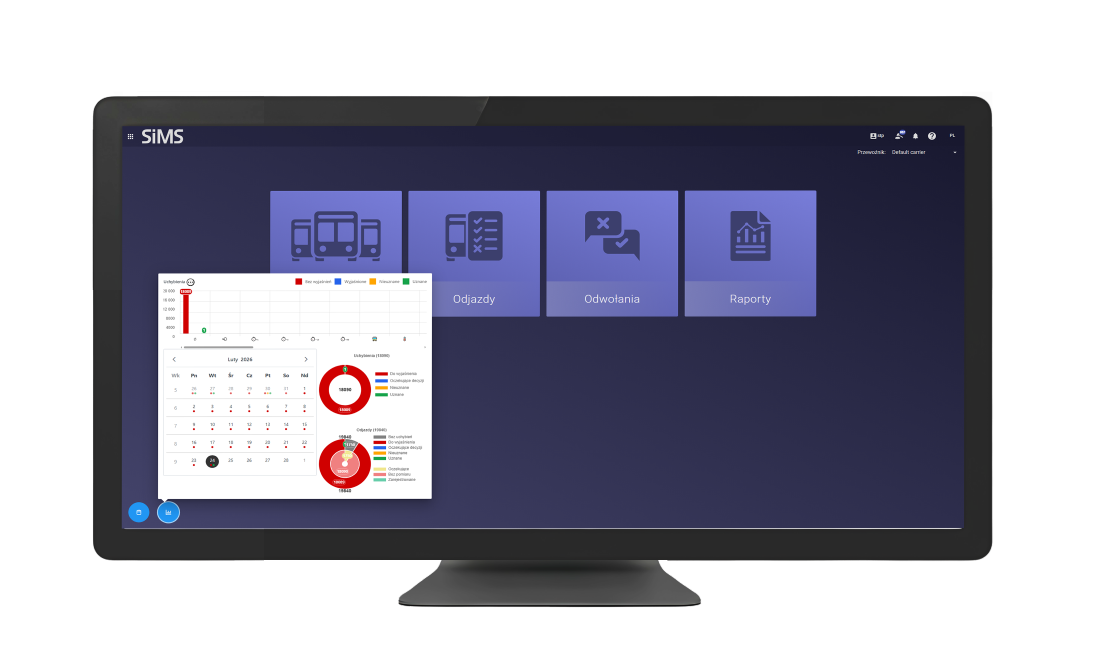
The Interactive Audit Calendar is an additional functionality that streamlines workflow by graphically presenting data on deficiencies. The calendar has been enhanced with a system of visual markers that allow for a quick assessment of the status of tasks in a given month.
Colored indicators (dots) assigned to specific days indicate deficiencies:
Clicking on a marker immediately takes the user to the specific day’s view, automatically filtering the departure list according to the selected deficiencies status.

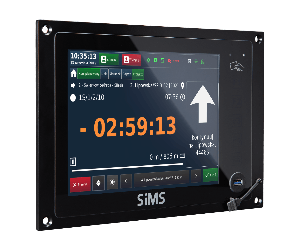
SIL 3 Line Information Controller
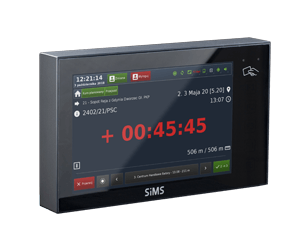
SIL 2 Linear Information Controller
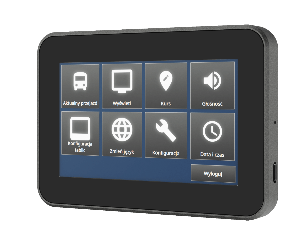
STR 4 Controller
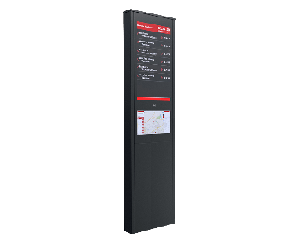
iSTOP Intelligent Bus Stop Post